What do you mean by "cross-module centralisation"?
Most compliance platforms treat the document library as a silo: a separate upload destination. RegTechPRO's Document Library is a live view over every file attached anywhere on the platform. Upload a DBS to an SMF's Due Diligence tab in People Compliance → it surfaces here. Attach evidence to a Risk record → here. Close a CMP task with a completion pack → here. Draft a policy in Policy Studio → here. The Library is the evidence index, not a parallel storage layer.
Which modules currently feed into the Library?
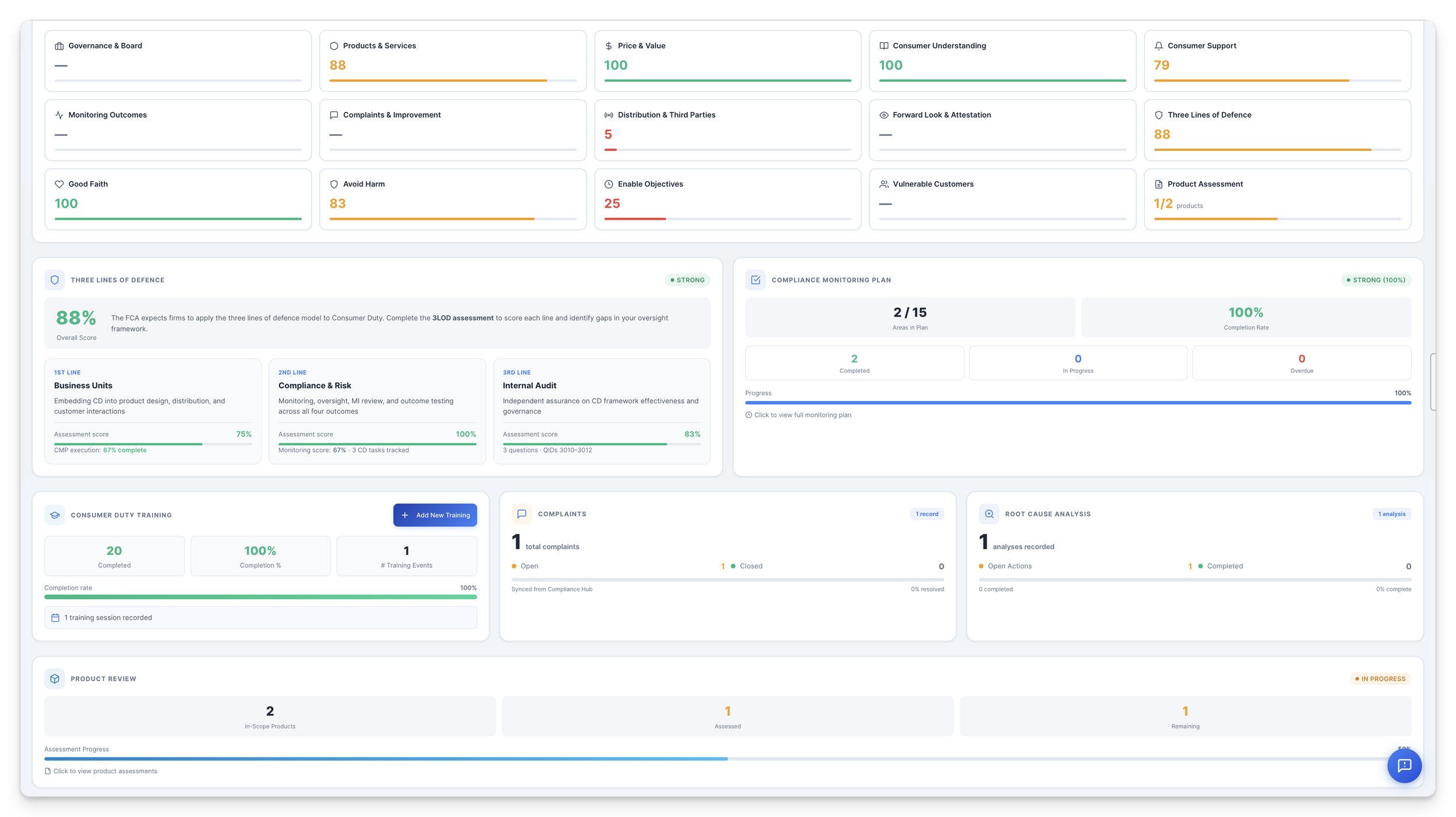
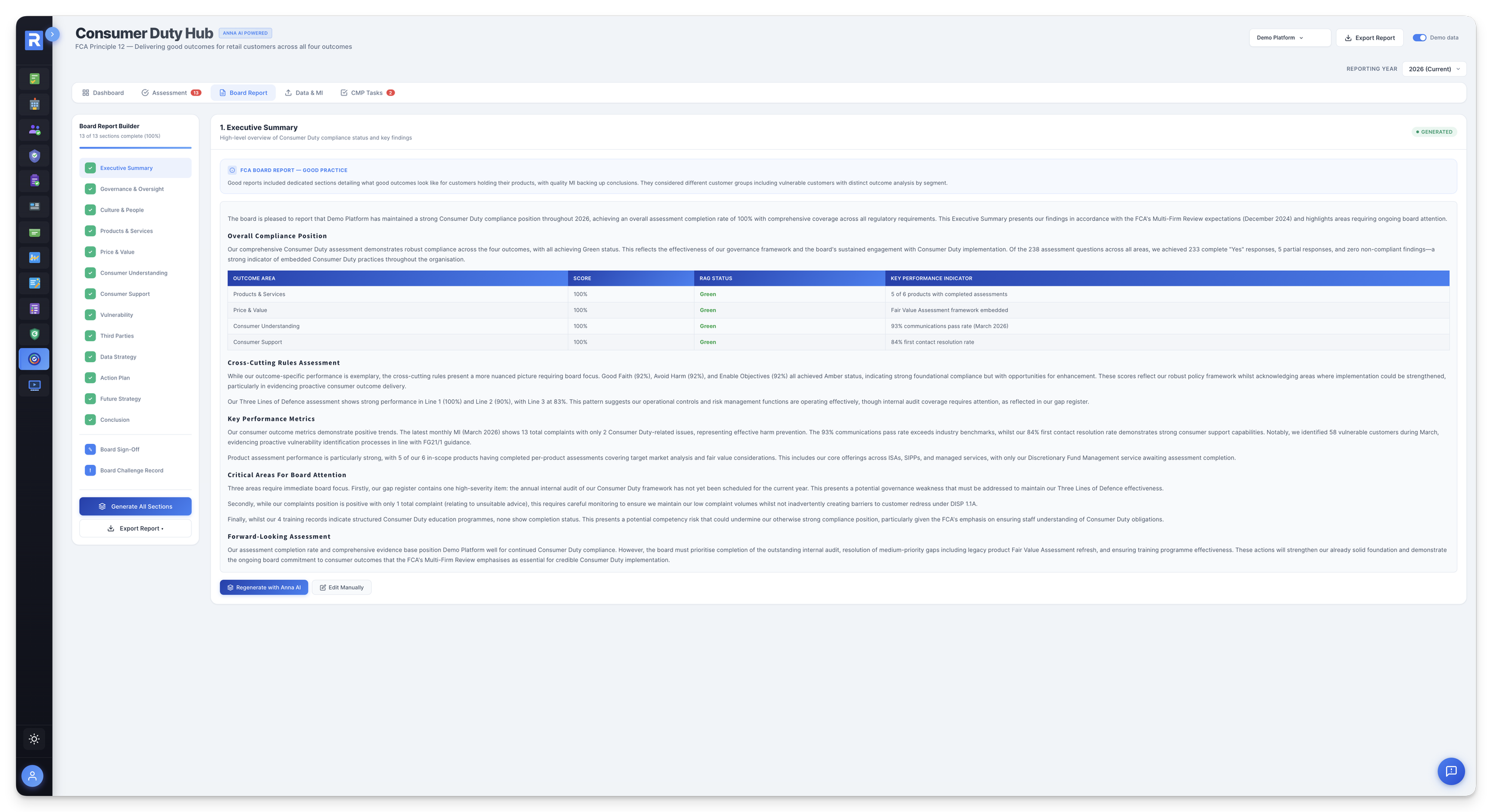
Policy Studio (tagged Compliance Policies), Compliance Monitoring Plan (CMP Documents), Risk Management Hub (Risk Documents), CMP custom forms (Custom Form Submissions), People Compliance SMF/CR Due Diligence packs (Due Diligence Documents), Firm Compliance AR record Due Diligence (Due Diligence Documents), Financial Crime Suite CDD/EDD evidence, and ad-hoc uploads across 11 user-selectable categories. Every incoming file keeps a source-module provenance tag that can't be spoofed because the tags aren't in the upload dropdown.
Can I filter by which module a document came from?
Yes, that's the point. Five source-module filter chips sit at the top of the register: Policy Studio, Custom Forms, CMP Documents, Risk Documents, Other Documents, each with live counters. They're independent boolean toggles with OR semantics, so you can union Policy Studio and CMP for a supervision pack, or Risk-only for a risk review. Combine with free-text search and the 11 user-selectable category filters for pinpoint queries.
If I click the POLICY STUDIO chip on a document, does it take me back to the source?
The provenance chip preserves the source identity today. A planned enhancement makes the chip a round-trip link: click it to land on the originating Policy Studio policy, Risk record, AR Due Diligence tab or CMP monitoring area. This closes the cross-module loop so the Library becomes a navigational surface, not just an archive.
Is every document really a Google Doc?
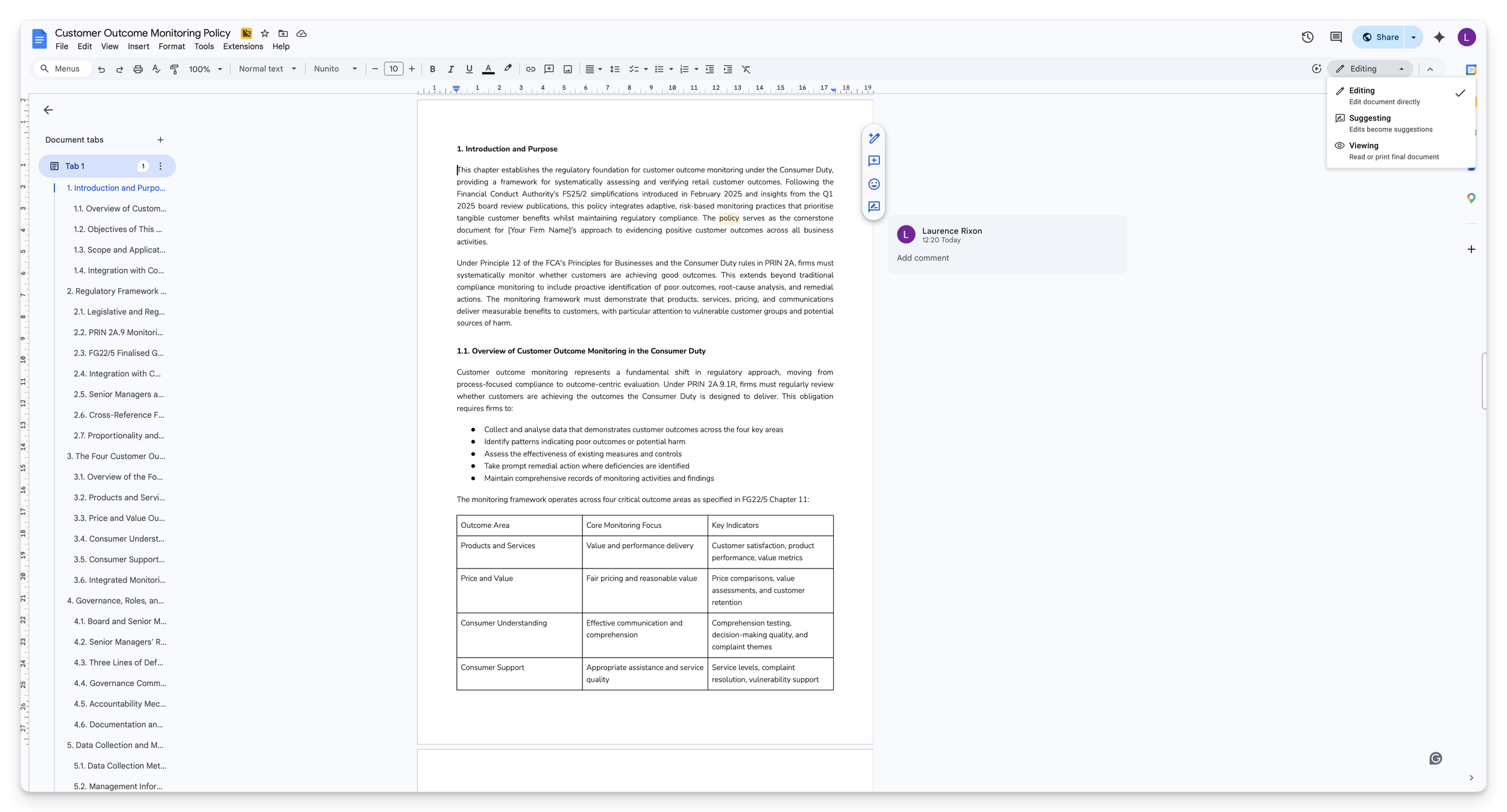
Every editable document is: policies, custom forms, board papers, anything platform-generated. These open live in Google Docs with real-time co-edit, suggesting mode, comment threads and complete revision history. Static evidence files (PDFs, scans, images) stay in their native format in Drive, viewable but not auto-converted. That's the correct compliance choice because you don't want lossy format conversion on evidentiary documents.
Do I need a Google Workspace subscription to use this?
No. RegTechPRO hosts the Drive centrally, with zero customer-side subscription dependency. Documents are link-shared through an Apps Script control layer that enforces tenant scoping. Bonus: if you happen to be signed into your own Google account, every document opens in your account's Google Docs UI, so your comments carry your name, you can save copies to your own Drive, and your preferences apply. Full collaboration without the spend.
Where is version history surfaced?
Every editable document has Google Docs' full revision history one click away. Open in Docs, File → Version History, see every keystroke, every author, every timestamp, one-click rollback. The Library will also surface a version-counter chip on each card so you can see activity at a glance. When the FCA asks "which version was in force on 12 April 2024?", the answer is provable, timestamped and exportable.
What about collaborative editing when two people edit the same policy?
Works natively. Google Docs handles real-time co-edit, comment threads, suggesting mode, @-mentions, email notifications and conflict resolution. Two compliance officers can review the same DBS or edit the same policy simultaneously, with RegTechPRO's tenant-scoping controlling who sees it. Most compliance DMS tools force a download → edit → re-upload loop that destroys this. You don't have that problem here.
Is my data stuck on Google Drive if I leave?
No. Every Google Doc is exportable to .docx, .pdf, .txt, HTML, ODT, EPUB through Google's own File → Download menu. Native files (PDFs, scans) were always yours in their original format. On exit, RegTechPRO can hand over the full Drive contents as a zip or a shared folder. You keep your evidence estate, editable and exportable, owned by you.
How much does the Document Library cost?
£0 as a separate line item. The Document Library is a Foundation module, included with every RegTechPRO subscription. You get unlimited document storage, plus cross-module centralisation from 15 platform modules, plus Google Docs as the document engine, bundled in.
Is storage really unlimited?
Yes for normal compliance workloads. Every document is stored in Google Drive (binary) indexed by a JotForm submission (metadata). There is currently a 1,000-submission ceiling in the fetch pipeline, more than enough for a small or mid-sized firm for years, and pagination is on the near-term roadmap for enterprise-scale tenants. We'll surface that transparently in the admin UI as you approach it.
How long does setup take?
Zero. The Document Library is live on day one of your RegTechPRO subscription. You pick a workflow (tenant), drag-drop existing files, pick categories, and start uploading. Folders are optional; the five source-module filters light up automatically as other modules start posting. No migration project, no consultant-led "taxonomy design" phase.
Does GDPR / UK data residency work here?
Files are stored in Google Drive on Google's UK-region infrastructure via RegTechPRO's Google Workspace Enterprise tenancy, with Apps Script enforcing tenant-scoped access. Metadata lives in UK-hosted JotForm. Soft-delete keeps every record recoverable for audit purposes. Full DPA available at
regtechpro.co.uk/legal.
What actually happens when I delete a document?
The record stays in the index but is hidden from the register — recoverable if needed. For an FCA-regulated firm, this is the right default: "did you delete that evidence?" becomes a provable no, here it is. A click-and-regret restore surface is on the near-term roadmap.
What does the FCA see when they ask for an evidence inventory?
The Export Report button produces a CSV with six columns (Document Name, Client, File Type, Upload Date, Category, File URL) scoped to whatever filter view is active. Filter to Risk Documents, click export, hand the supervisor a CSV in seconds. Anna can also produce a richer narrative pack that groups documents by source module, flags expiring items and generates shareable Drive links.
How does Anna interact with the Library?
Four ways: (1) auto-categorisation at upload, where Anna reads the file and proposes a category (opt-in, never auto-submitted); (2) expiry-date inference for DBS, PII, insurance and ICO registrations; (3) stale and orphan detection sweeps that flag documents not referenced or updated for long periods; (4) cross-module evidence assembly, where a natural-language query ("pull all documents for AR firm Smith Financial") returns a numbered, filtered, Google-Docs-linked pack.
Are historical documents reproducible after delete or edit?
Yes on both counts. Edits to editable documents are captured in Google Docs revision history with named authors and timestamps, one-click rollback, indefinite retention. Deletes are soft, so the record and its file URL remain recoverable. When an s.166 review or a historical FCA query lands, you can reproduce who saw what, when, and what they changed, per document, to the minute.